
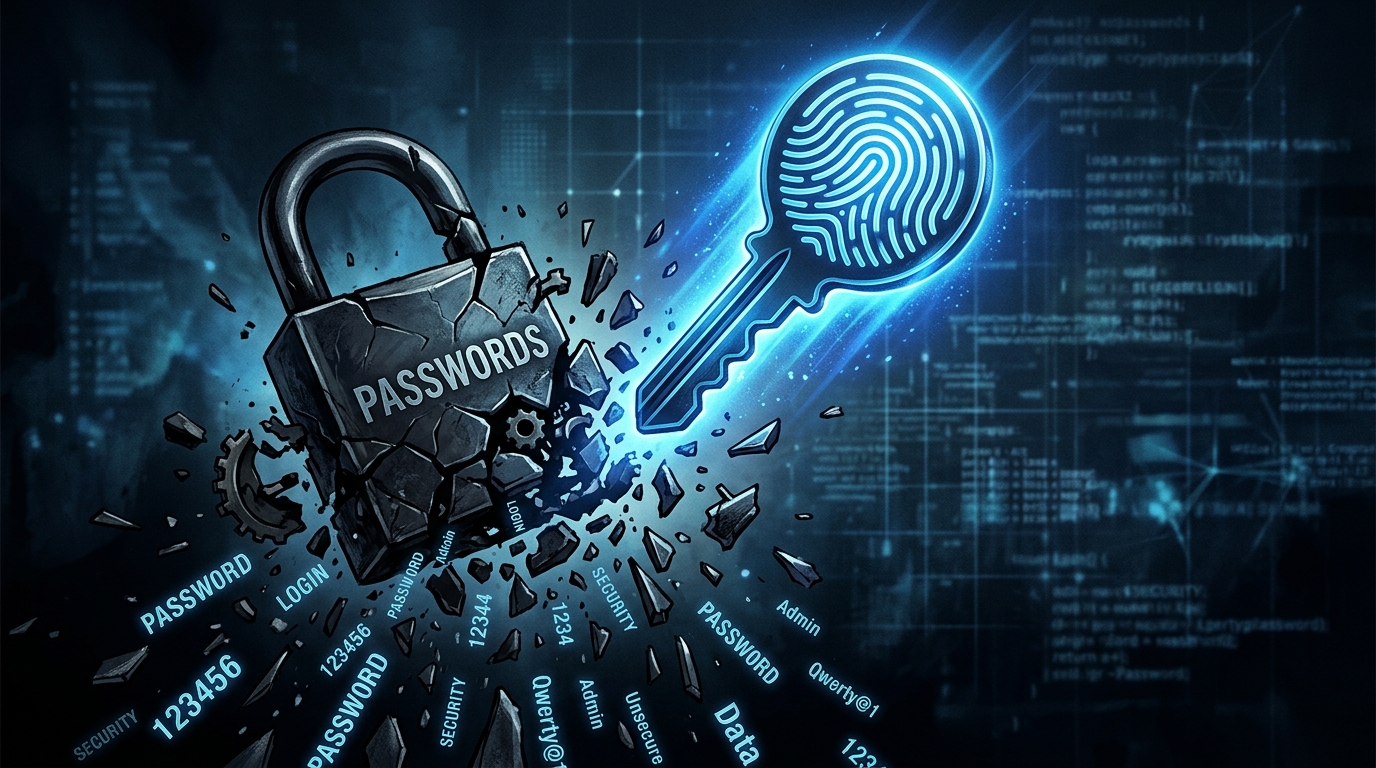
The Death of Passwords: Passkeys Go Mainstream in 2026 and Phishing May Never Recover
Passwords are dying, and 2026 is the year the replacement goes mainstream. Passkeys — cryptographic credentials stored on your device that authenticate you through biometrics (fingerprint, face scan) or a device PIN — have crossed the adoption threshold where most major websites and apps support them, most operating systems integrate them natively, and most users have encountered them at least once. The password manager industry is pivoting, enterprise IT departments are rewriting authentication policies, and the phishing attacks that have plagued the internet for decades are losing their most reliable attack vector.
How Passkeys Work — The Technical Foundation
Passkeys are built on the FIDO2/WebAuthn standard, developed by the FIDO Alliance (whose members include Apple, Google, Microsoft, and dozens of other companies). When you create a passkey for a website, your device generates a unique public-private key pair. The public key is sent to the website’s server; the private key stays on your device, stored in a secure hardware enclave (Apple’s Secure Enclave, Google’s Titan chip, Windows’ TPM) that’s physically isolated from the main processor and operating system.
When you log in, the website sends a cryptographic challenge. Your device signs the challenge with the private key — but only after verifying your identity through biometrics or PIN. The signed response is sent back to the website, which verifies it against your stored public key. At no point does a password, secret, or sensitive credential travel over the network. There’s nothing to intercept, nothing to phish, nothing stored in a database that can be breached.
This addresses the fundamental problem with passwords: they’re shared secrets. When you type a password into a website, you’re sending the secret to the server, which must store it (hopefully hashed). The website’s database becomes a target. If breached, every user’s credentials are potentially compromised. Phishing works because users can be tricked into typing their password into a fake website. Credential stuffing works because users reuse passwords across sites. Passkeys eliminate all three attack vectors simultaneously because the private key never leaves your device and is cryptographically bound to the specific website that created it — a passkey created for google.com physically cannot be used on g00gle-login.com.
Cross-Platform Syncing Solves the Adoption Problem
The early challenge with passkeys was device dependency: if your passkey lived on your iPhone and you needed to log in on a Windows PC, you were stuck. Apple, Google, and Microsoft solved this through cloud-synced passkeys. Apple syncs passkeys through iCloud Keychain across all your Apple devices. Google syncs them through Google Password Manager across Android and Chrome. Microsoft syncs through Windows Hello across Windows devices and is expanding to cross-platform scenarios.
Third-party password managers including 1Password, Bitwarden, and Dashlane now support passkey storage and sync, providing cross-ecosystem portability. A passkey created on your iPhone and stored in 1Password is available on your Android tablet, Windows laptop, and Linux desktop — solving the cross-platform problem that initially limited passkey adoption to single-ecosystem users. Bitwarden reports that 35% of their users have stored at least one passkey, up from just 8% a year ago.
The cross-device authentication flow has also been refined. If you encounter a passkey login prompt on a shared or borrowed device, you can authenticate using your phone as a proximity-based authenticator. A QR code appears on the screen; you scan it with your phone, verify biometrics, and you’re logged in — without installing anything or entering credentials on the untrusted device. This flow, called cross-device authentication or “hybrid transport,” works between any combination of Apple, Google, and Microsoft devices using Bluetooth Low Energy for proximity verification.
Adoption by Numbers
Adoption data from the FIDO Alliance’s March 2026 report shows remarkable momentum. Over 15 billion passkeys have been created across all platforms globally. The number of websites and apps supporting passkey login has grown from 100 in early 2024 to over 12,000 in early 2026. Major services including Google, Apple, Microsoft, Amazon, PayPal, eBay, LinkedIn, GitHub, Adobe, Shopify, and WhatsApp all offer passkey login. Financial institutions are among the fastest adopters — Bank of America, Chase, HSBC, and Revolut all support passkeys, driven by regulatory pressure to reduce fraud.
Google reports that users who enable passkeys are 40% less likely to need account recovery support (because there’s no password to forget) and zero passkey accounts have been successfully phished (because passkeys are cryptographically bound to the legitimate domain). Apple saw a 50% reduction in account lockouts among iCloud users who switched to passkeys. These metrics demonstrate that passkeys aren’t just more secure — they’re more convenient, which is the prerequisite for any technology that aims to replace a universal behavior.
Enterprise adoption is accelerating as well. Okta, the identity management platform used by thousands of companies, reports that 22% of its enterprise customers now support passkey authentication for employee accounts, up from 4% in 2024. Microsoft Entra (formerly Azure AD) has added passkey support for enterprise single sign-on, and Google Workspace administrators can now mandate passkeys for organizational accounts — eliminating password-based login entirely for corporate users.
The Phishing Apocalypse Is Coming
Phishing remains the most common cyberattack vector, accounting for 36% of all data breaches according to Verizon’s 2025 Data Breach Investigations Report. Phishing works because it exploits human judgment — convincing users to enter their credentials on fake websites that look identical to real ones. AI has made phishing even more effective: AI-generated phishing emails are grammatically perfect, personalized, and bypass traditional spam filters at higher rates than human-written attempts.
Passkeys neutralize phishing entirely. Because the private key is cryptographically bound to the website’s domain during registration, attempting to use a passkey on a phishing site simply doesn’t work — the browser won’t send the authentication response to a domain that doesn’t match the one registered with the passkey. The user doesn’t need to evaluate whether the URL looks legitimate; the cryptographic protocol handles it automatically. There’s no social engineering trick that can bypass this protection because the security is enforced by the device, not by human judgment.
This has enormous implications for cybersecurity economics. If the majority of user accounts are protected by passkeys, phishing campaigns targeting credential theft become ineffective, forcing attackers to find more expensive and technically difficult attack vectors. Security researchers estimate that widespread passkey adoption could reduce the overall cost of cybercrime by $50-100 billion annually by eliminating the most common entry point for account compromise.
What About Edge Cases?
Account recovery remains a challenge in a passkey-only world. If you lose all your devices (phone, laptop, tablet) simultaneously and don’t have a password manager backup, recovering access to passkey-protected accounts requires alternative verification — typically a recovery code, trusted contact, or identity verification through the service provider. Apple and Google have built recovery mechanisms (trusted contacts for Apple, recovery codes and phone-number verification for Google), but the UX isn’t as seamless as simply resetting a password through email.
Shared accounts are another edge case. Family streaming accounts, shared business logins, and team credentials don’t map cleanly to passkeys, which are inherently individual. Some services are implementing “passkey sharing” features where a primary account holder can delegate access, but the standard is still evolving. Password managers that support shared vaults (1Password, Bitwarden) are also implementing shared passkey containers, though cross-platform sharing between different password managers isn’t yet standardized.
Legacy systems present the longest tail of the transition. Many enterprise applications, government systems, and older websites lack WebAuthn support and will continue requiring passwords for years. The practical reality is that passwords aren’t disappearing overnight — they’re becoming the fallback for decreasing numbers of outdated systems while passkeys become the default for everything that’s actively maintained. Password managers will remain useful as transitional tools, storing both passwords (for legacy sites) and passkeys (for modern ones) in a unified interface.
The Password’s Obituary — Slow but Certain
The password has been declared dead before, incorrectly, many times. What’s different now is that passkeys address every objection that previous alternatives failed to overcome: they’re more secure than passwords, more convenient than passwords, work cross-platform and cross-device, sync through the cloud, and are supported by every major technology company simultaneously. No previous authentication alternative — smart cards, USB keys, biometric-only systems — achieved this combination. The password is not dead yet, but for the first time in 60 years, its replacement is clearly visible and demonstrably better in every dimension that matters to both users and security professionals.
Related articles: Fintech Super Apps Dominate Emerging Mar | Neuromorphic Computing: Brain-Inspired C | 3D Bioprinting in 2026: From Lab Curiosi