
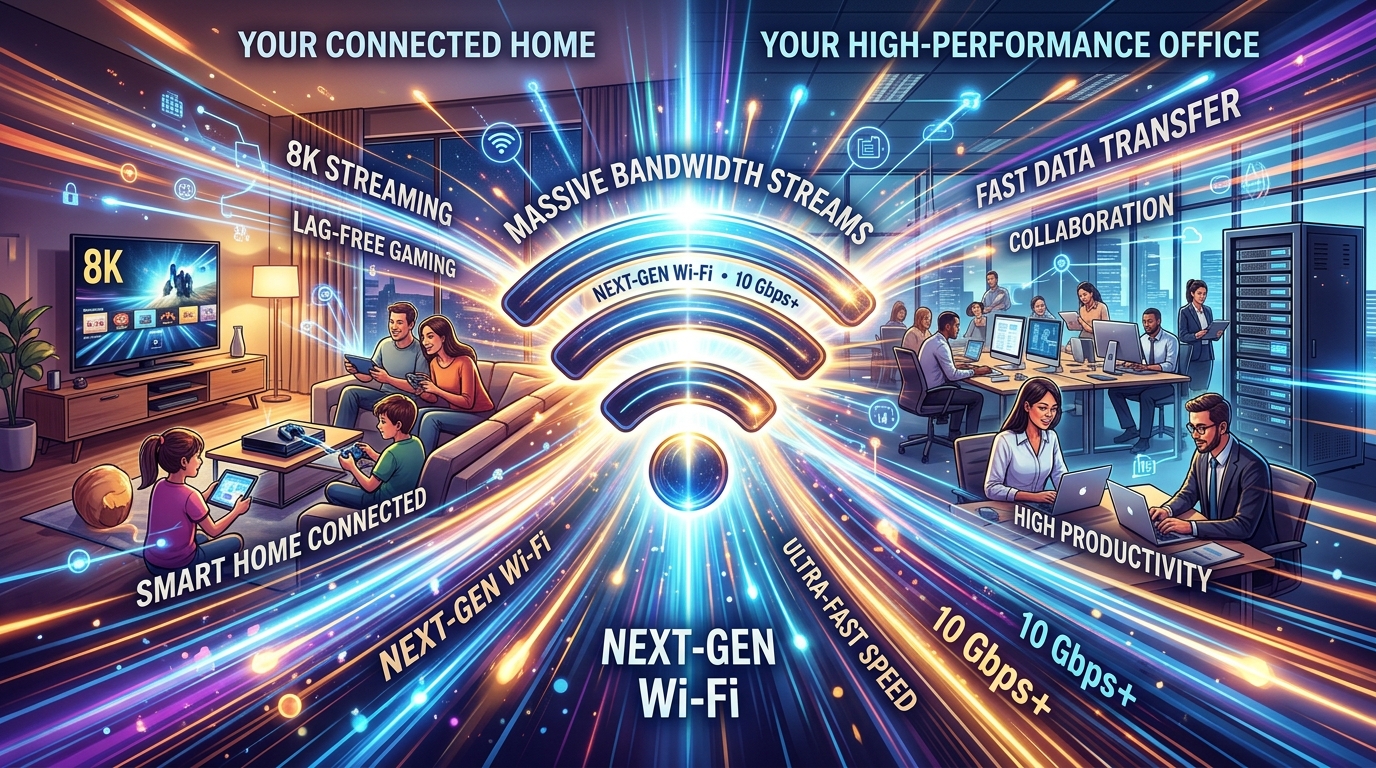
Wi-Fi 7 in 2026: The Router Revolution That Finally Makes Wireless Faster Than Wired
Wi-Fi 7 (IEEE 802.11be) is rolling out across consumer routers, enterprise access points, and client devices in 2026, and it represents the most significant generational leap in wireless networking since Wi-Fi 5 introduced the 5 GHz band over a decade ago. With theoretical maximum throughput of 46 Gbps (roughly 5x faster than Wi-Fi 6E), latency as low as 1 millisecond, and a suite of features designed for mixed-use environments where dozens of devices compete for bandwidth, Wi-Fi 7 promises to transform wireless from “good enough” to “better than wired” for most home and office applications.
The Technical Leaps
Wi-Fi 7 introduces four major technical advancements that collectively deliver its performance improvements: 320 MHz channel width, 4096-QAM modulation, Multi-Link Operation (MLO), and improved multi-user MIMO. Understanding these features is essential for evaluating whether upgrading to Wi-Fi 7 actually matters for your use case.
Channel width doubles from Wi-Fi 6E’s maximum of 160 MHz to 320 MHz in the 6 GHz band. Channel width in wireless networking is analogous to lane width on a highway: a wider channel carries more data simultaneously. The 320 MHz channels are only available in the 6 GHz band, which has enough spectrum to support them without interference from other channels. In practical terms, this doubling of channel width roughly doubles peak throughput compared to Wi-Fi 6E for devices that support it — and since both the router and the client device must support 320 MHz channels, the benefit only materializes with new client hardware (laptops, phones, tablets).
4096-QAM (Quadrature Amplitude Modulation) increases the density of data encoded in each transmission. Wi-Fi 6 used 1024-QAM; Wi-Fi 7 quadruples this to 4096-QAM. Higher QAM allows more bits to be transmitted per signal symbol, increasing throughput by approximately 20% for devices close enough to the access point to receive a strong signal. At longer distances or through walls where the signal degrades, the modulation automatically drops to lower QAM levels — so 4096-QAM benefits primarily in close-range, line-of-sight scenarios.
Multi-Link Operation (MLO) is the most impactful new feature for real-world usage. MLO allows a device to simultaneously use multiple frequency bands (2.4 GHz, 5 GHz, and 6 GHz) on a single connection, either aggregating bandwidth from multiple bands for maximum throughput or dynamically switching between bands to avoid congestion and interference. Previous Wi-Fi generations forced each device to connect on a single band at a time — if the 5 GHz band was congested, the device was stuck with degraded performance until it explicitly disconnected and reconnected on another band.
With MLO, traffic can be distributed across bands in real-time. A video call might use the 5 GHz band for consistent, low-latency audio/video while simultaneously downloading a large file over the 6 GHz band. If one band experiences interference (a microwave oven activating on 2.4 GHz, a neighbor’s router congesting the 5 GHz channel), the router seamlessly shifts traffic to the other bands without any interruption perceived by the user. This band-steering intelligence is built into the protocol rather than being a proprietary optimization, meaning it works consistently across all Wi-Fi 7 devices.
MLO also provides a latency improvement that’s particularly significant for gaming, video conferencing, and real-time IoT applications. By maintaining active links on multiple bands simultaneously, the device can transmit on whichever band can accept a packet immediately rather than waiting for a slot on a single congested band. This reduces worst-case latency from tens of milliseconds to consistently under 2 milliseconds — a fundamental improvement for applications where latency spikes are more disruptive than average latency.
Real-World Performance
Laboratory testing of Wi-Fi 7 routers shows peak throughputs exceeding 5 Gbps on a single device using 320 MHz channels with 4096-QAM — roughly the same as running a 10GbE Ethernet cable to every device. In real-world home environments with walls, interference, and multiple devices, reviewers consistently measure 2-3 Gbps throughput at close range and 800+ Mbps through one wall — a significant improvement over Wi-Fi 6E, which typically delivers 1-2 Gbps close-range and 400-600 Mbps through a wall.
The MLO feature shows its value most clearly in congested environments. Testing in a dense apartment building with 40+ competing Wi-Fi networks showed that Wi-Fi 7 with MLO maintained 90% of its peak throughput during congestion periods where Wi-Fi 6 performance dropped 50-60%. The ability to dynamically shift between bands based on real-time congestion data is genuinely transformative for users in multi-unit buildings, dense office environments, and any location where Wi-Fi spectrum is contested.
Latency improvements are measurable and meaningful. Gaming tests show consistent sub-2ms wireless latency with Wi-Fi 7 MLO compared to 5-15ms with Wi-Fi 6 (and frequently 20-50ms during congestion). For competitive gaming, this brings wireless performance within the range that was previously only achievable with a wired Ethernet connection. For cloud gaming services (Xbox Cloud Gaming, GeForce Now, PlayStation Portal), the latency reduction meaningfully improves input responsiveness and visual quality.
Range improvements are modest compared to throughput gains. Wi-Fi 7 doesn’t fundamentally change the physics of radio propagation — the 6 GHz band still has relatively short range compared to 2.4 GHz, and walls still attenuate signals. MLO helps with effective range by allowing devices to fall back to the 2.4 GHz band for extended range while using higher bands for throughput when available, but the actual signal reach on any single band is comparable to Wi-Fi 6E. For large homes or offices that struggled with Wi-Fi 6 coverage, a mesh system remains necessary — though Wi-Fi 7 mesh systems with MLO inter-node backhaul perform significantly better than their Wi-Fi 6 predecessors.
Router Hardware: What’s Available
The Wi-Fi 7 router market has rapidly expanded from early-adopter flagships to mainstream options. First-generation Wi-Fi 7 routers from TP-Link (Archer BE900), ASUS (ROG Rapture GT-BE98), and Netgear (Nighthawk RS700) launched at premium prices ($500-$700) that limited adoption to enthusiasts. Second-generation routers have brought prices down significantly — capable Wi-Fi 7 routers from TP-Link, ASUS, and others are now available for $200-$350, and mesh systems with Wi-Fi 7 support (TP-Link Deco BE75, eero Max 7) are priced at $300-$500 for two-pack configurations.
The key feature to look for in a Wi-Fi 7 router is MLO support. Some early Wi-Fi 7 routers shipped with MLO disabled due to firmware limitations and only enabled it through subsequent updates. All routers sold as Wi-Fi 7 support the 320 MHz channel width and 4096-QAM modulation, but MLO is the feature that delivers the most noticeable real-world improvement. A 2.5 Gbps or 10 Gbps WAN port is also important — if your router’s WAN port is limited to 1 Gbps, it can’t take advantage of fiber internet connections faster than 1 Gbps, which are increasingly common from providers like AT&T, Google Fiber, and Verizon FiOS.
Enterprise access points with Wi-Fi 7 are available from Cisco Meraki, Aruba (HPE), Ruckus, and Ubiquiti. Enterprise Wi-Fi 7 deployments are focused on high-density environments (conference rooms, lecture halls, stadiums) where the improved multi-user capabilities and congestion handling of Wi-Fi 7 provide significant improvements over Wi-Fi 6E. The enterprise adoption cycle is slower than consumer, with most IT departments planning Wi-Fi 7 deployment as part of their natural access point replacement cycle (every 5-7 years) rather than accelerated upgrades.
Client Device Support
Wi-Fi 7 requires support from both the router and the client device to deliver its full capabilities. On the client side, Wi-Fi 7 support is now standard in flagship smartphones (Samsung Galaxy S26, iPhone 17 Pro, Google Pixel 10 Pro), premium laptops (Apple MacBook Pro M4, Dell XPS, Lenovo ThinkPad X1 Carbon with Intel Core Ultra), and gaming devices. Mid-range smartphones and laptops are beginning to include Wi-Fi 7 in 2026, following the typical trickle-down pattern where new wireless standards debut in flagships and reach mainstream devices 12-18 months later.
The Intel Core Ultra processor family and Qualcomm’s Snapdragon 8 Elite include integrated Wi-Fi 7 radios, which means new laptops and smartphones built on these platforms automatically support Wi-Fi 7 without needing a separate wireless card. Apple’s M4 chip family includes Wi-Fi 7 support in all variants. This platform-level integration ensures that Wi-Fi 7 client support will become ubiquitous in new devices within the next 1-2 years.
USB Wi-Fi 7 adapters are available for upgrading existing desktops and older laptops, though PCIe cards provide better performance for desktop systems. Prices for basic Wi-Fi 7 adapters start at $40-$60, with tri-band models supporting MLO priced at $80-$120. For desktop users who primarily need fast local network speeds (for NAS access, local gaming servers, or video editing from networked storage), a Wi-Fi 7 adapter can eliminate the need for Ethernet cabling.
Should You Upgrade?
The upgrade calculus for Wi-Fi 7 depends on your specific situation. If you live in a dense apartment building or share Wi-Fi spectrum with many neighbors, Wi-Fi 7’s MLO and improved congestion handling will provide immediate, tangible improvements in consistency and speed. If you’re a competitive gamer or use cloud gaming services, the latency improvements are meaningful. If you have a fast internet connection (1 Gbps+) and want to take full advantage of it over wireless, Wi-Fi 7 can deliver speeds that saturate a gigabit connection without wired Ethernet.
If you live in a single-family home with good Wi-Fi 6 coverage and no congestion issues, the upgrade to Wi-Fi 7 provides faster speeds but may not meaningfully improve your daily experience. Web browsing, video streaming, and typical cloud applications work fine over Wi-Fi 6 connections that deliver 200-500 Mbps. The extra speed of Wi-Fi 7 matters most for local network transfers, large file downloads, and latency-sensitive applications.
The pragmatic approach is to wait until your current router reaches its natural replacement point (3-5 years is typical) or until you upgrade to a faster internet connection that your current router can’t fully deliver. If you’re buying a new router today for any reason, buying Wi-Fi 7 is absolutely worth the modest premium over Wi-Fi 6E — the technology is mature, prices have normalized, and you’ll benefit from the improvements for the router’s entire useful life. If your current Wi-Fi 6 setup is working well and your devices don’t yet support Wi-Fi 7, there’s no urgency to upgrade the router ahead of the devices that will use it.
Related articles: Fintech Super Apps Dominate Emerging Mar | Neuromorphic Computing: Brain-Inspired C | 3D Bioprinting in 2026: From Lab Curiosi